
Supercharge Your Recon: A Deep Dive into Nuclei for Penetration Testers
In the fast-evolving world of cybersecurity, staying ahead means constantly adapting and utilizing the most efficient tools available. For penetration testers, reconnaissance is often the first and most critical phase, setting the stage for everything that follows. Today, we’re going to explore a powerful and increasingly popular tool that’s transforming how many of us approach vulnerability scanning and information gathering: Nuclei.
Developed by ProjectDiscovery, Nuclei is an open-source, fast, and extensible scanner that uses simple YAML-based templates to send requests across targets and return valuable information. Think of it as a highly customizable, lightweight vulnerability scanner that’s perfect for quickly identifying potential issues and misconfigurations at scale.
Why Nuclei?
You might be thinking, “Aren’t there already plenty of vulnerability scanners out there?” And you’d be right! However, Nuclei stands out for several compelling reasons:
-
Speed and Efficiency: Built with performance in mind, Nuclei can scan thousands of targets rapidly.
-
Template-Driven: Its core power lies in its extensive and ever-growing library of community-contributed templates. These templates define specific checks for vulnerabilities, misconfigurations, exposed panels, and more.
-
Customizable: Don’t see a template for what you need? You can easily write your own, making it incredibly flexible for specific testing scenarios.
-
Low False Positives: By focusing on specific signatures defined in templates, Nuclei tends to have a lower rate of false positives compared to broader scanners.
-
Active Community: The ProjectDiscovery team and the wider security community are constantly contributing new templates and features.
Getting Started with Nuclei
First things first, let’s get Nuclei installed. It’s written in Go, so the easiest way to install it is by using go get.
go install -v github.com/projectdiscovery/nuclei/v2/cmd/nuclei@latest
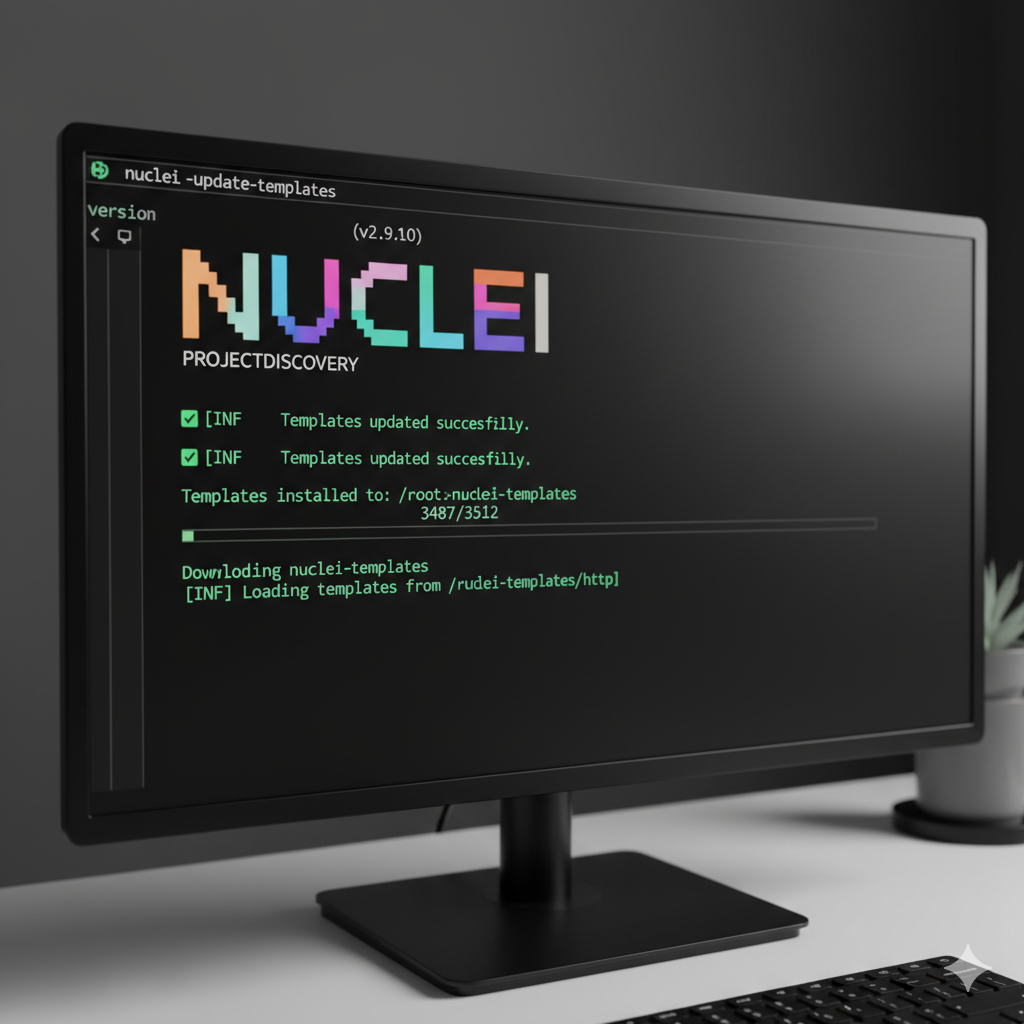
Once installed, it’s a good idea to update your templates to ensure you have the latest checks:
nuclei -update-templates
You should see output similar to this, indicating the templates are being fetched and updated:
Your First Scan with Nuclei
Let’s run a basic scan against a target. For demonstration purposes, we’ll use a public test site or a target you have explicit permission to scan. Never scan systems without explicit authorization.
To run a simple scan using all default templates, you’d use:
nuclei -u http://testphp.vulnweb.com -o results.txt
-u: Specifies the URL of the target. You can also use-lto provide a list of URLs from a file.-o: Outputs the results to a specified file.
The output will show you the templates being run and any matches found. It’s often quite verbose, so piping to a file is recommended for review.
Here’s an example of what some output might look like (abbreviated for clarity):
[FTL] Checking for outdated templates
[INF] nuclei -version v2.9.10 (latest)
[INF] Using Nuclei Template Directory: /home/user/nuclei-templates
[INF] Loading templates from /home/user/nuclei-templates/http
[INF] Running Nuclei with 1 target
[INFO] Found match for http://testphp.vulnweb.com [auth-detect] Basic Auth Detector
[INFO] Found match for http://testphp.vulnweb.com [git-config] Git Config File Disclosure
[INFO] Found match for http://testphp.vulnweb.com [exposed-phpinfo] PHPInfo Exposure
This output indicates that Nuclei found a basic authentication prompt, a potentially exposed .git/config file, and a PHP information page on the target. These are all valuable pieces of information for a penetration tester!
Targeted Scanning with Templates
One of Nuclei’s greatest strengths is its ability to run very specific scans using individual templates or categories of templates.
Let’s say you’re only interested in finding information disclosure issues. You can specify a template category:
nuclei -u http://testphp.vulnweb.com -t /path/to/nuclei-templates/http/miscellaneous/info-disclosure/ -o infodisclosure.txt
Or, if you know of a specific vulnerability you want to check for (e.g., a specific CVE), you can run that exact template:
nuclei -u http://example.com -t /path/to/nuclei-templates/http/cves/2023/CVE-2023-XXXX.yaml
Pro-tip: You can find the full path to your templates by running nuclei -h and looking for the Templates directory information.
Advanced Usage: Integrating with Other Tools
Nuclei truly shines when integrated into a larger reconnaissance workflow.
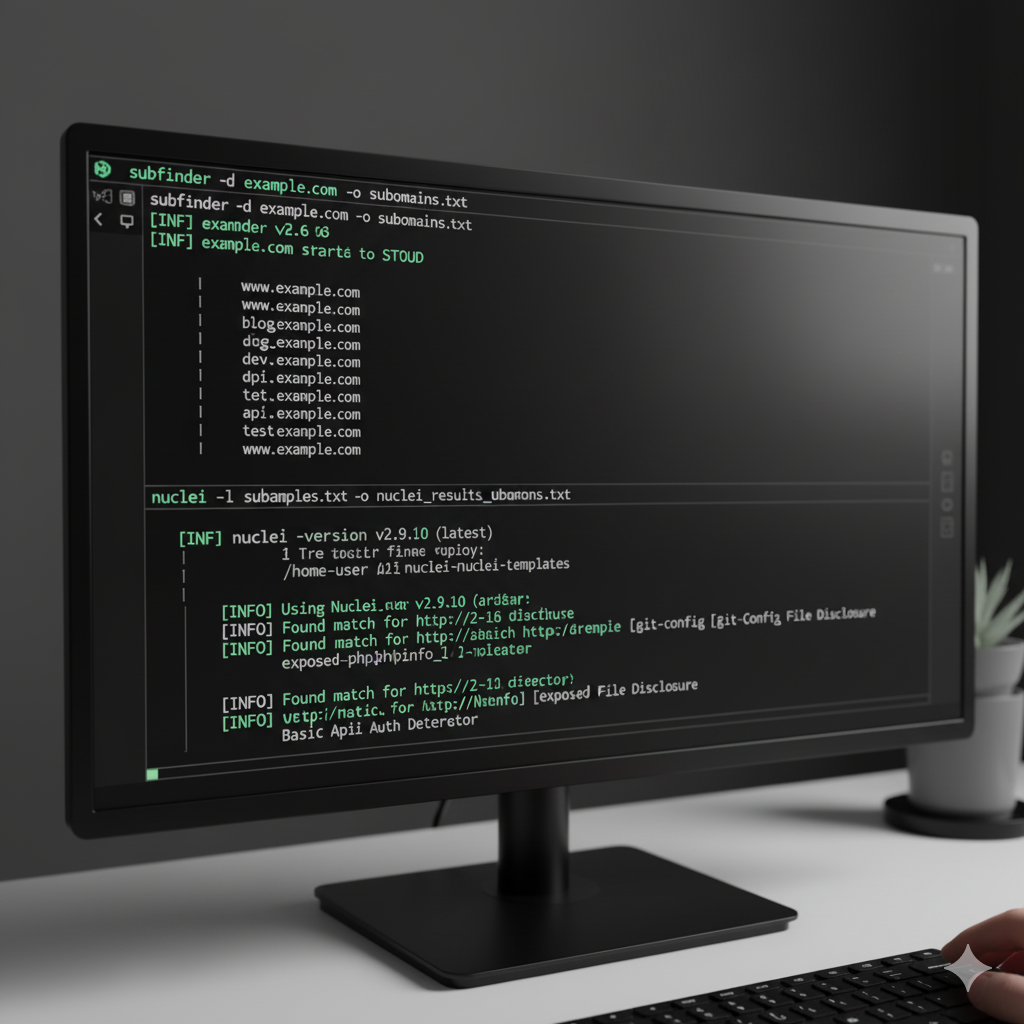
Chaining with Subdomain Enumeration: First, use a tool like
subfinderto get a list of subdomains.subfinder -d example.com -o subdomains.txtThen, feed that list directly into Nuclei:
nuclei -l subdomains.txt -o nuclei_results_subdomains.txtThis allows you to quickly scan all identified subdomains for common vulnerabilities or information disclosures.
2. Using different output formats: Nuclei supports various output formats, including JSON, which is excellent for parsing results programmatically or integrating with reporting tools.nuclei -u http://testphp.vulnweb.com -json -o results.json
Writing Your Own Nuclei Templates
This is where Nuclei’s power becomes truly limitless. If you encounter a specific pattern, misconfiguration, or vulnerability that isn’t covered by existing templates, you can write your own!
Nuclei templates are written in YAML and are surprisingly straightforward. Here’s a very basic example of a template to check for an exposed robots.txt file:
id: exposed-robots-txt

info:
name: Exposed robots.txt file
author: YourName
severity: low
description: Checks for the presence of a robots.txt file, which can reveal directory structures.

http:
- method: GET
path:
- "{{BaseURL}}/robots.txt"

matchers:
- type: status
status:
- 200
- type: regex
regex:
- "User-agent"
part: body
This template defines:
id: A unique identifier for the template.info: Metadata about the template (name, author, severity, description).http: The HTTP request to send.method: GET, POST, etc.path: The URL path to check.{{BaseURL}}is a placeholder for the target URL.matchers: Conditions that must be met for a match to be reported. Here, it checks for a 200 status code and the string “User-agent” in the response body.
You can save this as exposed-robots-txt.yaml and run it with nuclei -u yourtarget.com -t exposed-robots-txt.yaml.
Conclusion
Nuclei is an invaluable asset in any penetration tester’s toolkit. Its speed, flexibility, and template-driven approach make it perfect for rapid vulnerability scanning, information gathering, and integrating into automated reconnaissance workflows. By mastering Nuclei and even dabbling in custom template creation, you can significantly enhance your efficiency and effectiveness in identifying potential weaknesses.
So, go forth, explore Nuclei, and happy hunting!